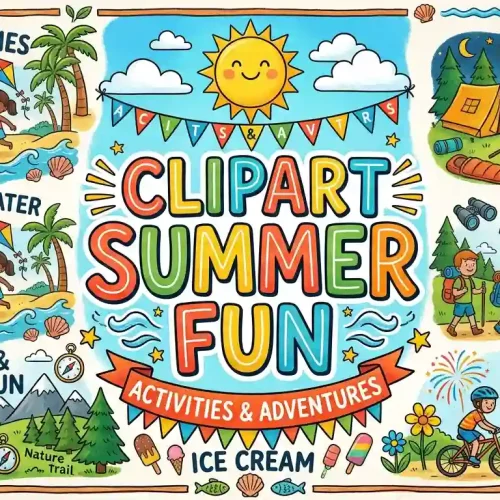
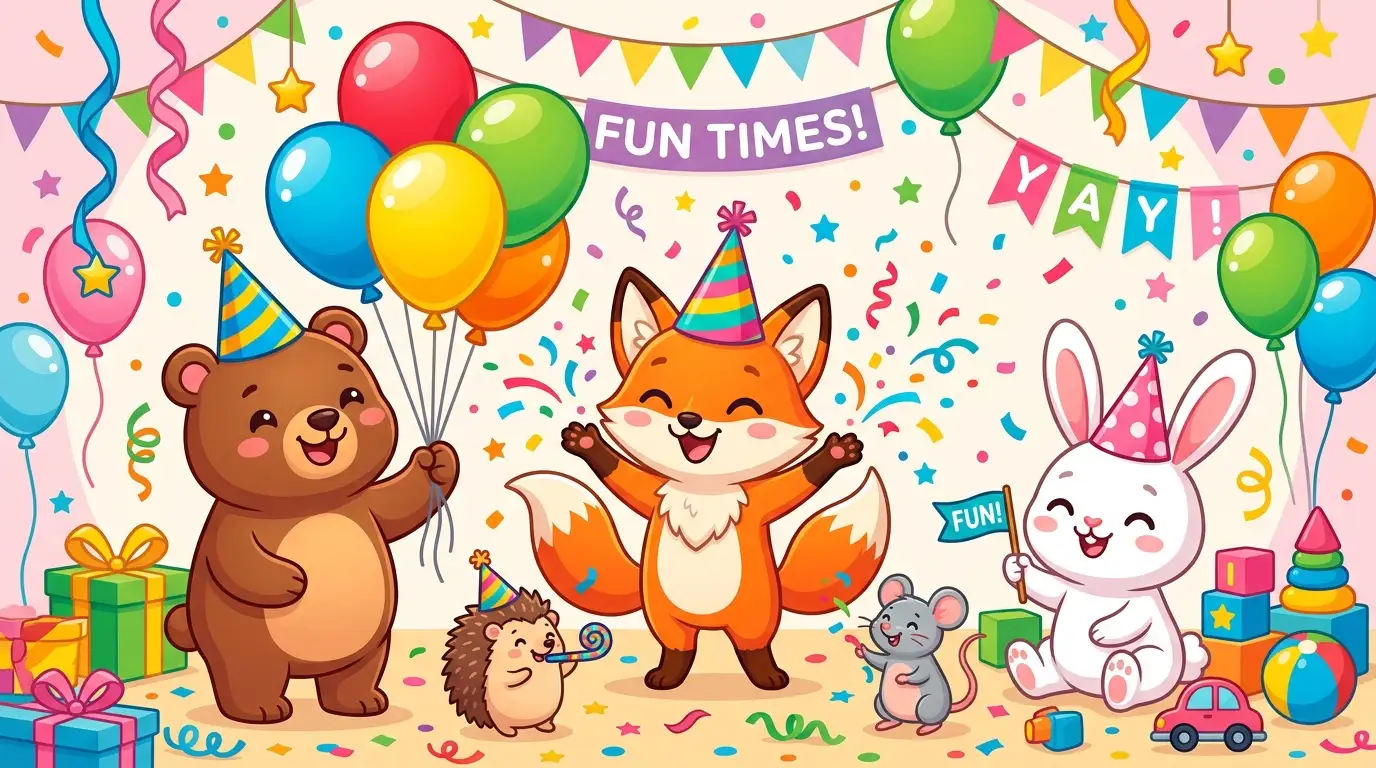
Clipart for fun includes playful digital illustrations and graphics used to brighten up personal projects, birthday parties, school activities, and crafts. Choosing the right vector or raster artwork lets you instantly add personality, humor, and color to greeting cards, party invitations, social media graphics, and scrapbooks without needing advanced drawing skills.
Have you ever stared at a blank digital canvas, wishing you could instantly snap your fingers and add a splash of playful color to your project? Finding the right clipart for fun is like unlocking a box of digital crayons that can instantly turn a boring design into something that makes people smile.
Whether you are designing a birthday party invitation for your best friend or putting together a quirky worksheet for your classroom, great graphics change everything. Let us explore how you can find, use, and style playful illustrations to make your creative ideas pop.
Why Playful Clipart Makes Everyday Projects Better
Design is not just for professional artists working in massive skyscraper studios. When you add fun visual elements to your everyday creations, you change how people experience your work.
Graphics communicate emotions faster than text alone. A cheerful doodle can turn a stressful reminder note into a bright spot on someone’s refrigerator.
Sparking Instant Joy
Human brains process images in milliseconds. When someone spots a cute cartoon animal or a bright retro starburst on a flyer, their mood shifts before they even read a single word.
This emotional connection is why teachers use cheerful graphics on reward charts and event planners scatter playful icons across invitation cards. It creates a welcoming, relaxed atmosphere immediately.
Saving Time Without Losing Creativity
You do not need to spend hours sketching a dancing cat or a vintage coffee mug from scratch. Using ready-made illustrations lets you focus on arranging your layout, picking colors, and writing your message.
It bridges the gap between having a big imagination and having limited drawing skills. You get professional-looking results in a fraction of the time.
Where to Find Amazing Clipart for Fun
The internet is packed with wonderful places to source graphics, but finding safe, high-quality files matters. Not all download buttons lead to friendly places, so knowing where to look saves you a lot of headache.
Free Public Domain Archives
Many historical libraries and museum collections offer vintage illustrations that are completely free to use. These old-school drawings bring a charming, nostalgic vibe to modern crafts.
- Check out digital library collections for vintage botanical drawings and whimsical old book illustrations.
- Look for government and educational sites that share copyright-free public vector icons.
- Always double-check usage rights if you plan to sell physical items made with your designs.
Independent Creator Marketplaces
Supporting independent artists feels great and often gives you access to unique styles you will not find anywhere else. Independent creators pour their hearts into drawing quirky characters, seamless patterns, and hand-lettered elements.
- Browse creative artisan platforms for hand-drawn watercolor sets and whimsical doodle packs.
- Look for shops that bundle seasonal graphics together for holiday crafts.
- Read customer reviews to ensure the file formats match your software needs.
Understanding File Formats for Your Projects
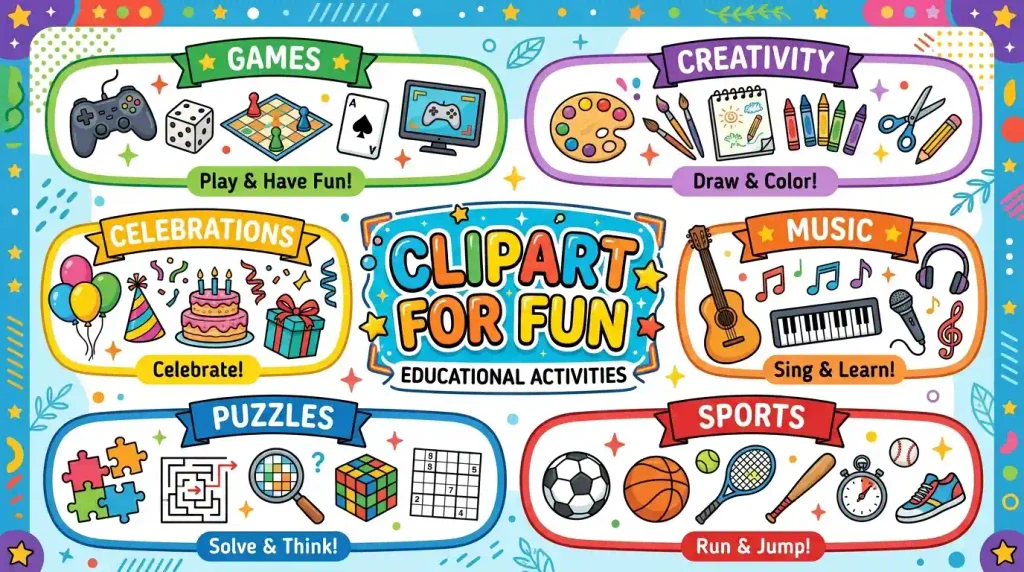
Jumping into digital design means dealing with alphabet soup file extensions like PNG, SVG, and JPEG. Knowing what these mean keeps your graphics crisp and clear instead of blurry and pixelated.
Raster Versus Vector Basics
Raster images, like standard PNG files, are made of tiny colored squares called pixels. If you stretch them too large, they get blurry.
Vector files, like SVG formats, use mathematical formulas instead of pixels. You can shrink them down to fit a postage stamp or blow them up to the size of a billboard, and the edges stay razor sharp.
Choosing the Right Format
- Use transparent PNG files when you want to layer illustrations over colored backgrounds or textured paper.
- Choose SVG files if you plan to resize your graphics frequently or cut them out using a digital cutting machine.
- Avoid using JPEG files for layered designs unless you want a solid white box stuck behind your illustration.
Creative Ways to Use Clipart in Daily Life
You do not have to limit your design adventures to computer screens. Playful graphics translate wonderfully into physical crafts you can hold in your hands.
DIY Party Decor and Stationery
Throwing a memorable gathering becomes much easier when your stationery matches the theme. You can build custom banners, cupcake toppers, and favor tags using simple graphics.
- Combine bold text with cute cartoon icons to make matching birthday invitations and thank-you notes.
- Print festive graphics on cardstock, cut them out, and string them together for a quick party garland.
- Design personalized gift tags that make presents look extra special.
Digital Planners and Bullet Journals
If you love staying organized on your tablet or paper notebook, cute graphics make planning feel like a fun game rather than a chore.
- Use digital stickers in your tablet planning app to highlight important deadlines and fun weekend events.
- Draw or paste small thematic icons next to your daily grocery lists and habit trackers.
- Create custom wallpaper backgrounds for your phone and computer desktop that change with the seasons.
Practical Tips for Arranging Your Designs
Putting several cute elements together can sometimes feel overwhelming if they clash. A few simple rules help keep your layouts clean and balanced.
Establishing a Clear Visual Focal Point
Every good design needs a star of the show. If you pack a page with twenty different animated characters, the viewer’s eye will not know where to look.
- Pick one larger, main illustration to anchor the center of your layout.
- Surround your main piece with smaller, supporting graphic accents like stars, hearts, or dots.
- Leave some space around your graphics so the design can breathe.
Maintaining Color Harmony
Mashing neon green, hot pink, and dark mustard yellow together can sometimes hurt your eyes. Sticking to a cohesive color palette ties all your illustrations together.
- Limit your main design palette to three or four core colors.
- Pick a dominant background color that makes your colorful graphics stand out clearly.
- Use soft pastel tones for calm, relaxing projects and bright saturated hues for energetic party designs.
Practice Exercise
- What is clipart commonly used for?
A) Decorating digital content
B) Repairing machines
C) Cooking food
D) Washing clothes - What type of images are often included in fun clipart?
A) Cartoon illustrations
B) Bank documents
C) Road maps only
D) Medical records - Which item could appear in a fun clipart collection?
A) Balloon
B) Engine
C) Refrigerator
D) Hammer - Clipart can be useful when creating what?
A) Posters
B) Car engines
C) Shoes
D) Furniture - Which style is commonly used for playful clipart?
A) Colorful illustrations
B) Blank documents
C) Technical manuals
D) Legal forms - What can clipart help make more attractive?
A) Presentations
B) Electrical wires
C) Cooking pans
D) Building foundations - Which character might be included in fun clipart?
A) Cartoon animal
B) Traffic officer only
C) Computer processor
D) Kitchen appliance - What can colorful clipart add to a design?
A) Visual interest
B) Weight
C) Sound
D) Temperature - Which activity can be represented with fun clipart?
A) Playing games
B) Filing taxes
C) Repairing pipes
D) Driving a truck - Why is clipart popular in creative projects?
A) It makes designs more engaging
B) It increases file weight automatically
C) It replaces all text
D) It removes colors
Answer Key
- A
- A
- A
- A
- A
- A
- A
- A
- A
- A
FAQs
Can I use downloaded graphics for commercial products?
It depends entirely on the license provided by the creator. Commercial use usually requires a special extended license, while free downloads are often restricted to personal use only. Always read the licensing terms carefully before selling any physical or digital items.
How do I open SVG files on my computer?
SVG files can be opened in vector editing software like Adobe Illustrator or Inkscape, and many modern web browsers can view them too. If you use a digital cutting machine, its accompanying software will import SVG files seamlessly for crafting.
What makes a design look cluttered instead of fun?
Clutter happens when too many elements compete for attention without empty breathing room. To fix this, remove extra graphics, simplify your color choices, and let your main focal illustration stand out clearly against a clean background.
Are public domain illustrations safe to download?
Yes, public domain items have expired copyrights, meaning the original works belong to the public. However, digital restorations or specific scans created by modern websites might have unique terms, so verifying the source is always a smart idea.
How do I resize graphics without making them blurry?
You can prevent blurriness by starting with high-resolution raster files or using vector files like SVGs. Never take a small, low-resolution thumbnail image and stretch it larger, because pixel distortion will always ruin the clarity.
Can I combine different art styles in one project?
Mixing vastly different art styles can sometimes look messy, but careful curation can create a fun collage effect. Sticking to a unified color scheme helps tie contrasting styles together into a cohesive, intentional layout.
Conclusion
Jumping into the world of creative design gives you an amazing way to express your personality and brighten up everyday projects. By picking the right file formats and balancing your layouts, you can create stunning stationery and crafts with ease.
Take what you have learned today and start experimenting with your own creative projects. Grab some fun clipart, open up your favorite design tool, and let your imagination run wild!

Ethan Danial is the creator and lead writer behind FunWhirls.com, a fun-focused platform dedicated to entertaining ideas, fascinating facts, funny moments, creative lists, and content that sparks curiosity. With a genuine love for discovering interesting and unexpected topics, Ethan enjoys turning simple ideas into engaging content that readers can enjoy, learn from, and share. His approach is centered on making every article easy to read, enjoyable, and worth coming back to.
At FunWhirls.com, Ethan Danial explores the lighter and more entertaining side of everyday life. He creates content for readers who love discovering something new, having a quick laugh, or simply taking a break from the ordinary. From curious facts to playful ideas and entertaining discoveries, Ethan aims to keep the content fresh, positive, useful, and engaging for readers of all kinds.